Choosing and connecting a model
Aether runs on four brains. The graph, the tools, the access rules and the whole workflow are identical whichever you pick; what changes is capability, cost, and where your data goes. Switch in Settings → Model, or pick a model straight from the chat — the picker under the message box always shows the active provider’s models.
| Provider | Best for | Needs | Data goes to |
|---|---|---|---|
| Claude | The strongest analyst; the default | A Claude Pro or Max subscription, signed in once | Anthropic |
| ChatGPT | OpenAI’s models, or any OpenAI-compatible endpoint | An API key | OpenAI (or your gateway) |
| Gemini | A free tier that does real work | A Google AI Studio key | |
| Ollama | Nothing leaves the machine | A tool-capable local model | Nowhere |
Claude
Aether drives Claude through the Agent SDK on your subscription. Sign in once from the first-run screen or Settings → General; a browser window opens and the app picks the login up when it completes.
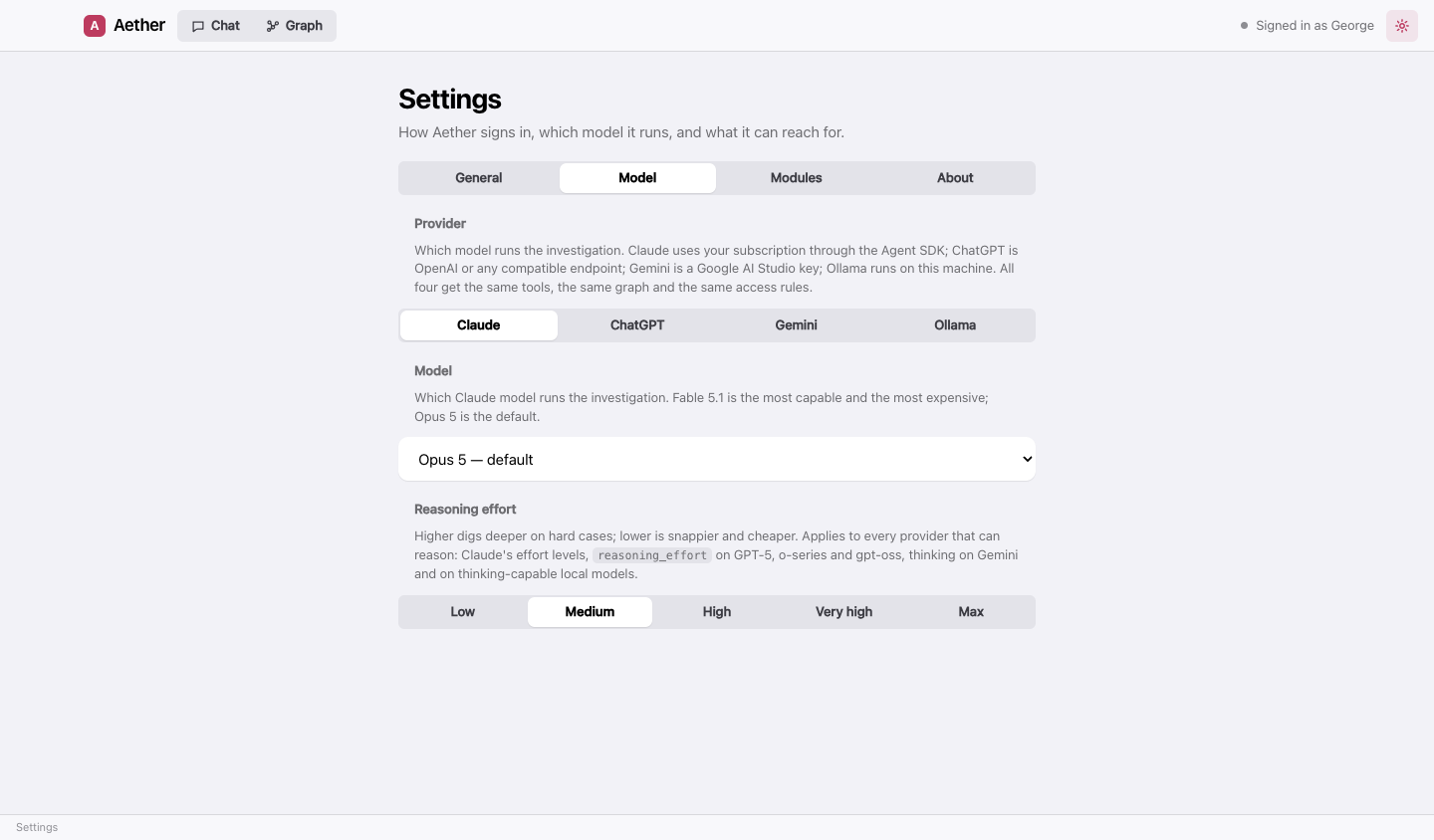
Models: Fable 5.1 (most capable, and the most expensive of your plan’s allowance), Opus 5 (the default), Sonnet 5 (balanced), Haiku 4.5 (fastest). The effort pick sets how deeply the model reasons; Haiku has no effort setting.
ChatGPT (OpenAI and compatible endpoints)
Paste an API key from platform.openai.com/api-keys. Once connected, the model picker lists what the endpoint actually serves — pick from it or type any model id it accepts.
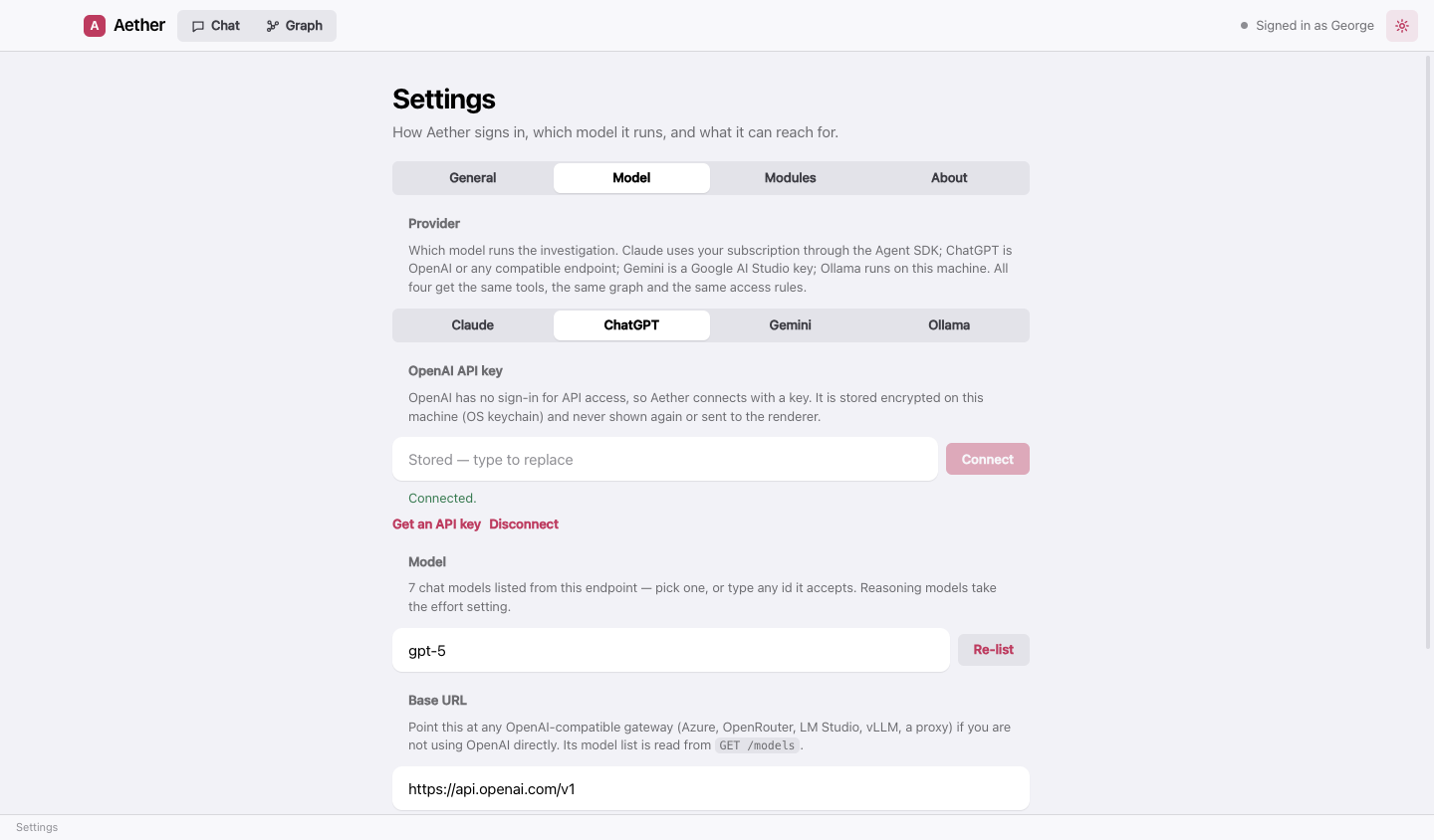
Against OpenAI itself, Aether uses the Responses API, which is what lets the current models (GPT‑5.6, GPT‑6) reason and call tools in the same turn. Point the Base URL at OpenRouter, Azure, LM Studio, vLLM or a proxy to use those instead; Aether speaks Chat Completions to them and lists their models the same way.
Gemini
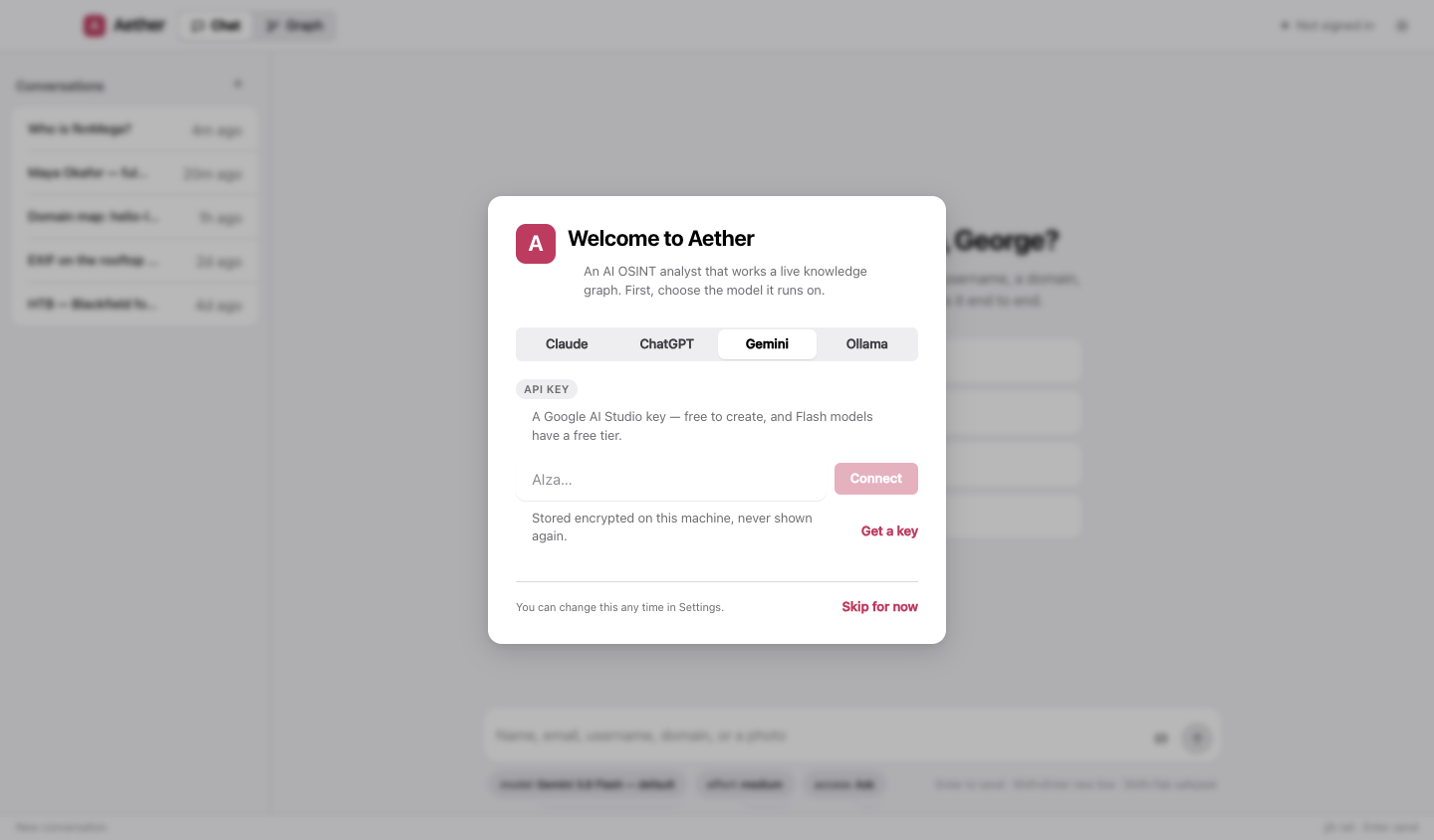
Create a key at aistudio.google.com/apikey — it is free, and the Flash models have a free daily allowance that is enough for real cases. Paste it and Connect; the picker then lists the models available to that key. Gemini 3.8 Flash is the default; 3.1 Pro when it matters.
Ollama
Install Ollama, pull a model, press Scan. Aether lists every pulled model with what it can do — tools, thinking, vision — how much context it was built for, and which one is loaded right now. A model without tool calling is labelled no tools: it can chat, but it cannot search or write the graph, and the chat warns you before you send.
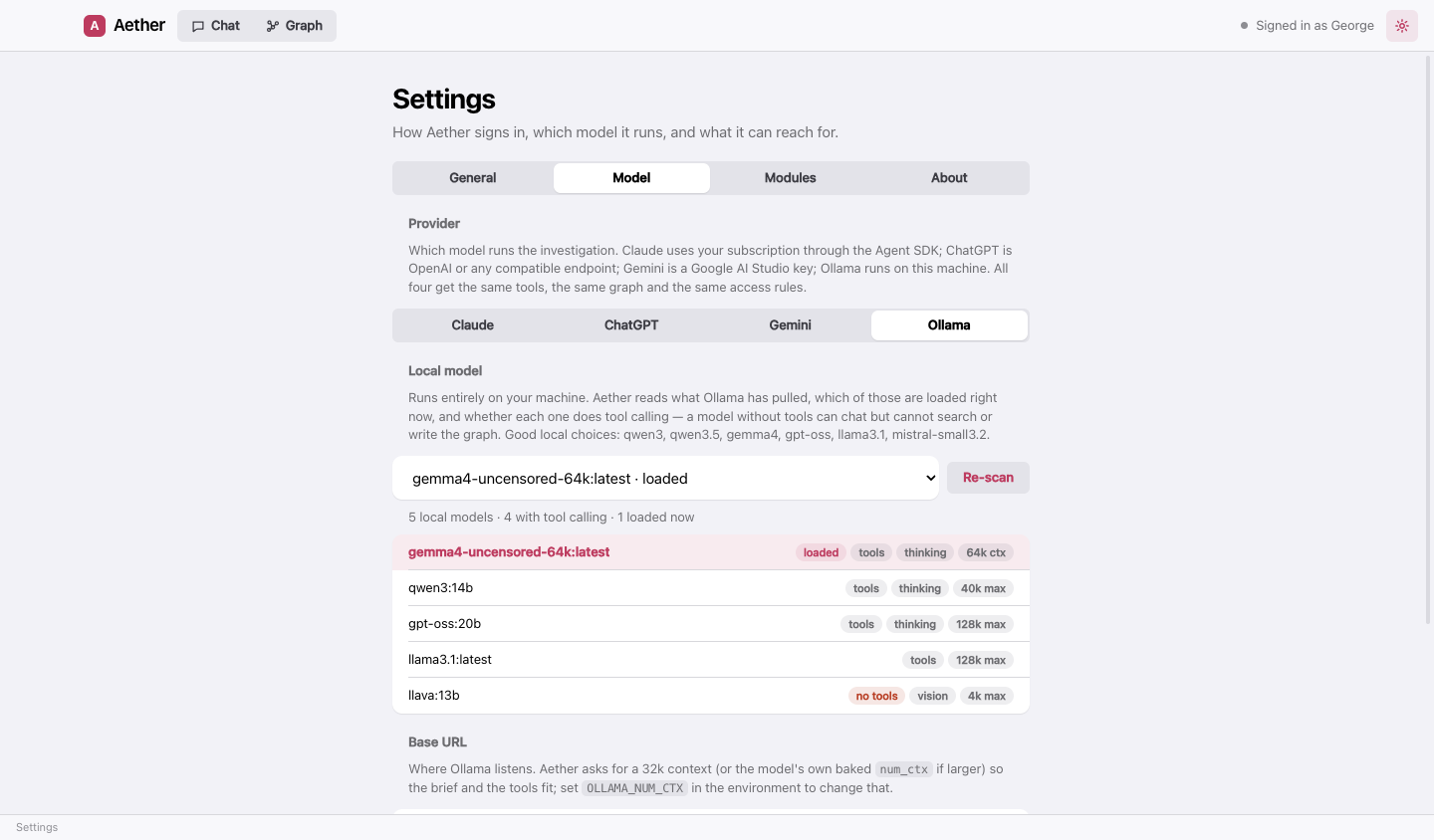
Good local choices: qwen3, qwen3.5, gemma4, gpt-oss, llama3.1, mistral-small3.2. Aether asks Ollama for a
32k context window (or the model’s own baked-in num_ctx if larger) so its brief and tools fit; set OLLAMA_NUM_CTX
in the environment to change that.
The picks under the chat
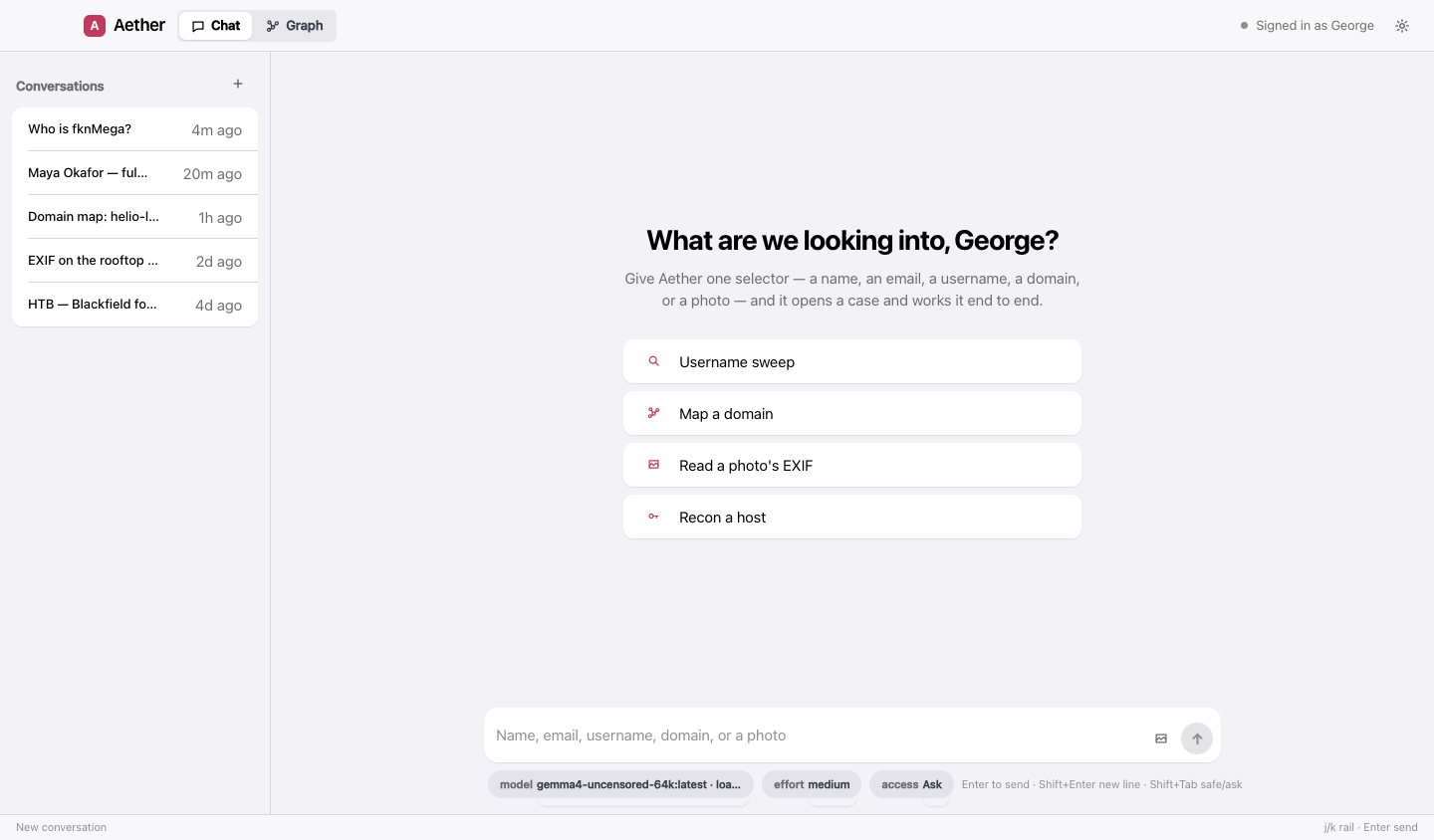
- model — the active provider’s models; live-listed where the provider can list them.
- effort — low to max. Steers Claude’s effort,
reasoning_efforton GPT and o-series models, and thinking on Gemini and thinking-capable local models. - access — Safe, Ask or Full: what Aether may do on this machine without asking. See modules and access.